
Guide 3 of 6
Save your signature
Add your signature to your profile once and reuse it whenever you sign.
On this page
Video coming soon
Steps
Open the menu
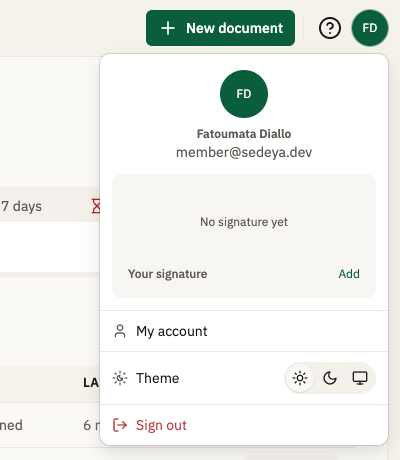
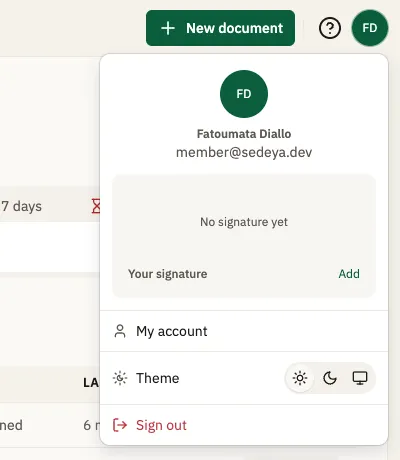
Click your avatar at the top right; the menu shows “No signature yet” with “Add” next to “Your signature”.
Go to your profile
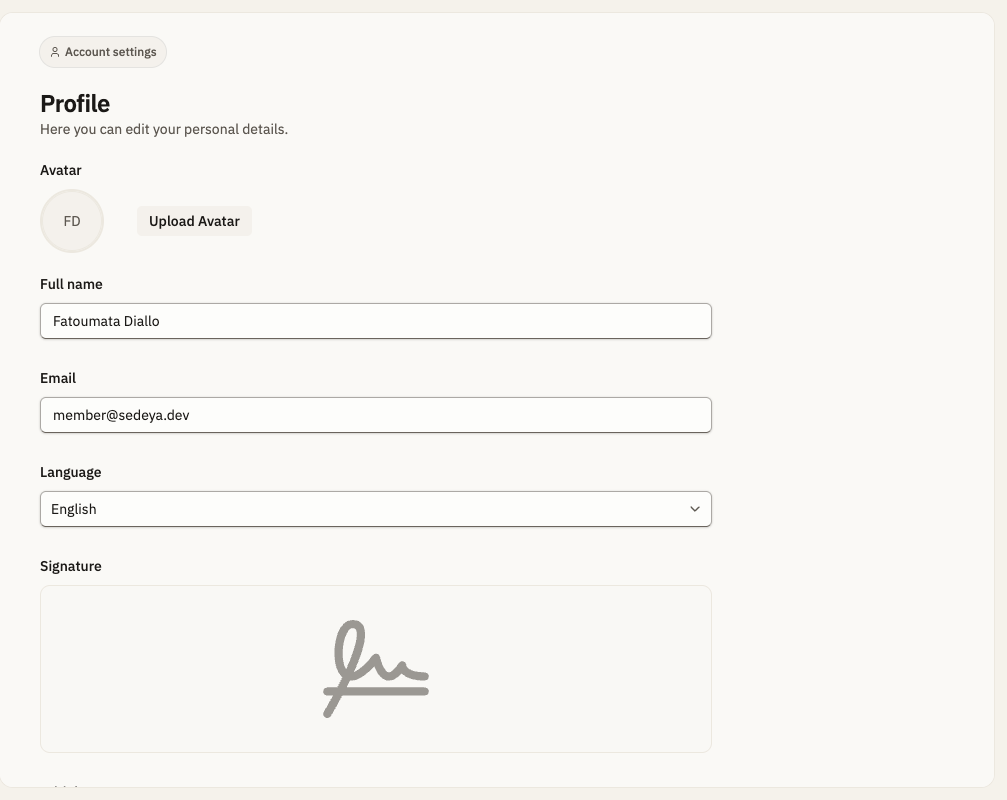
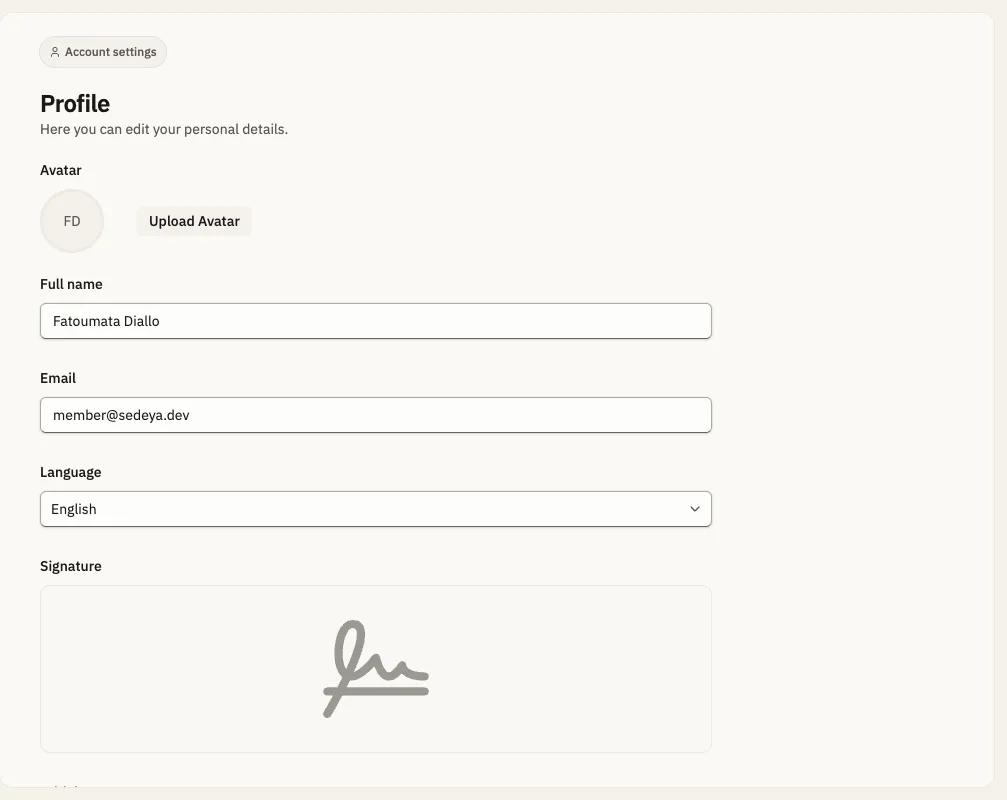
Click “Add”: it opens Settings › Profile, where the Signature box is.
Open the signature box
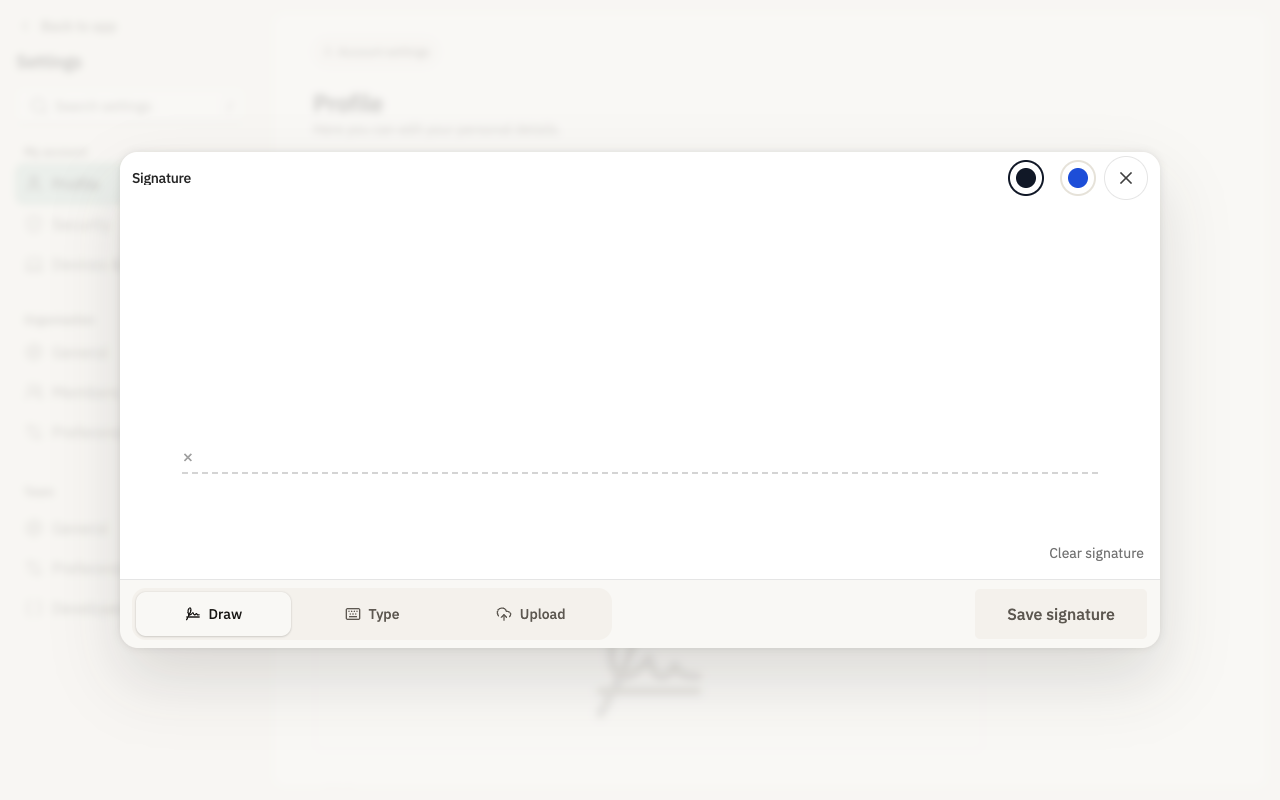
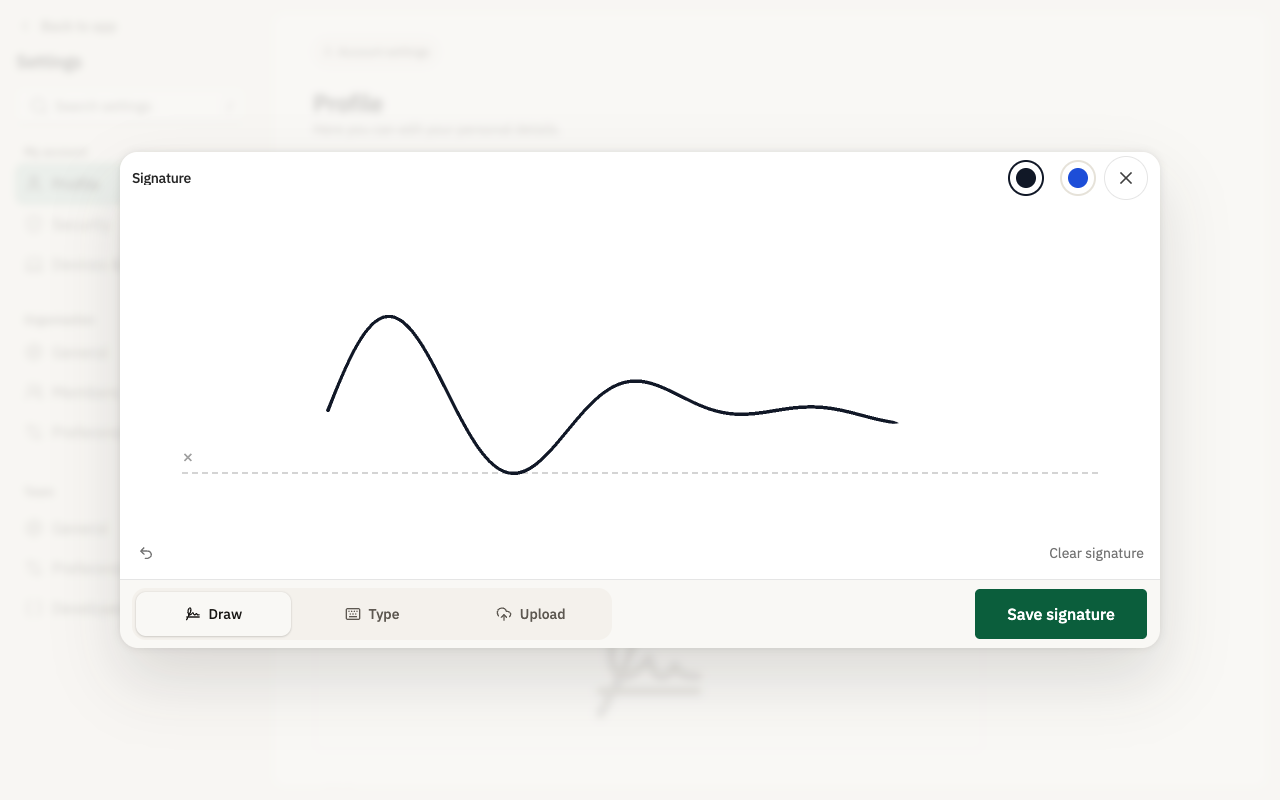
Click the Signature box; the “Signature” dialog opens with tabs Draw, Type, Upload.
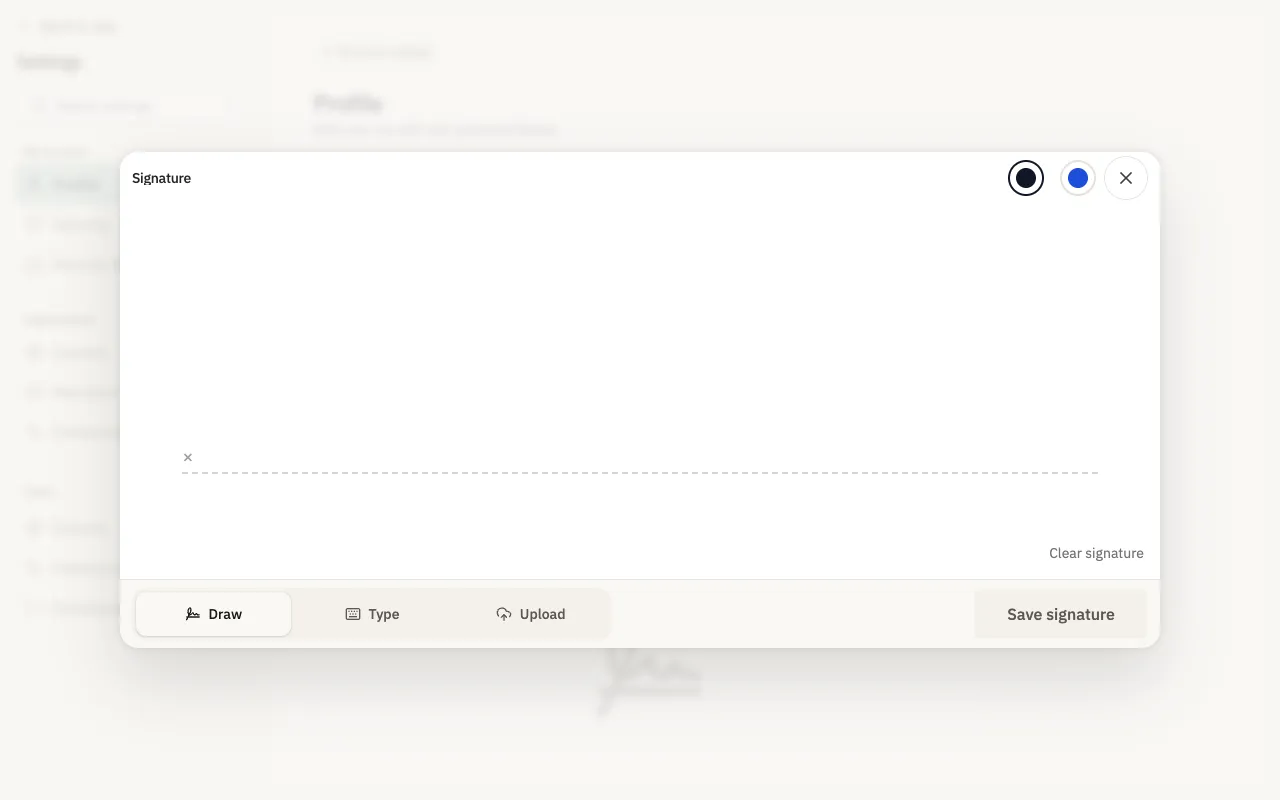
Make your signature
Draw your signature (or use “Type” or “Upload”).
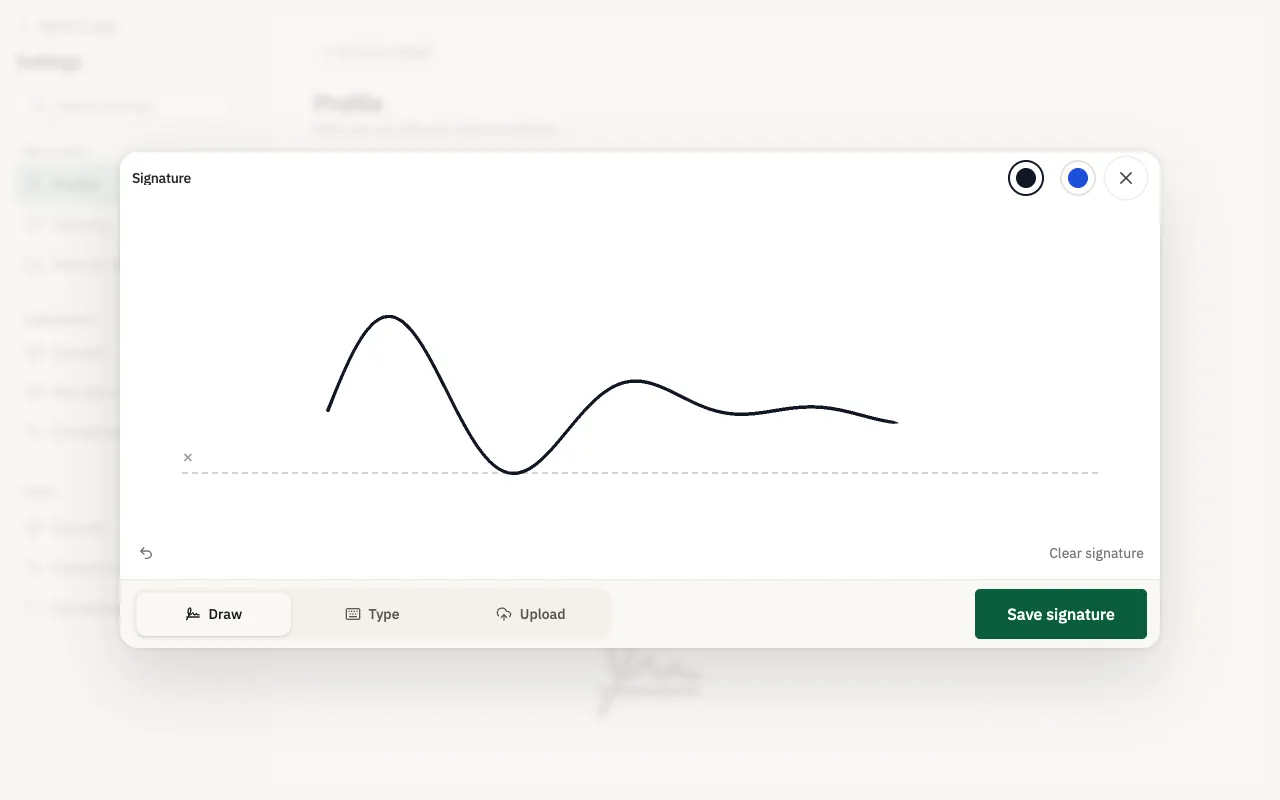
Save it
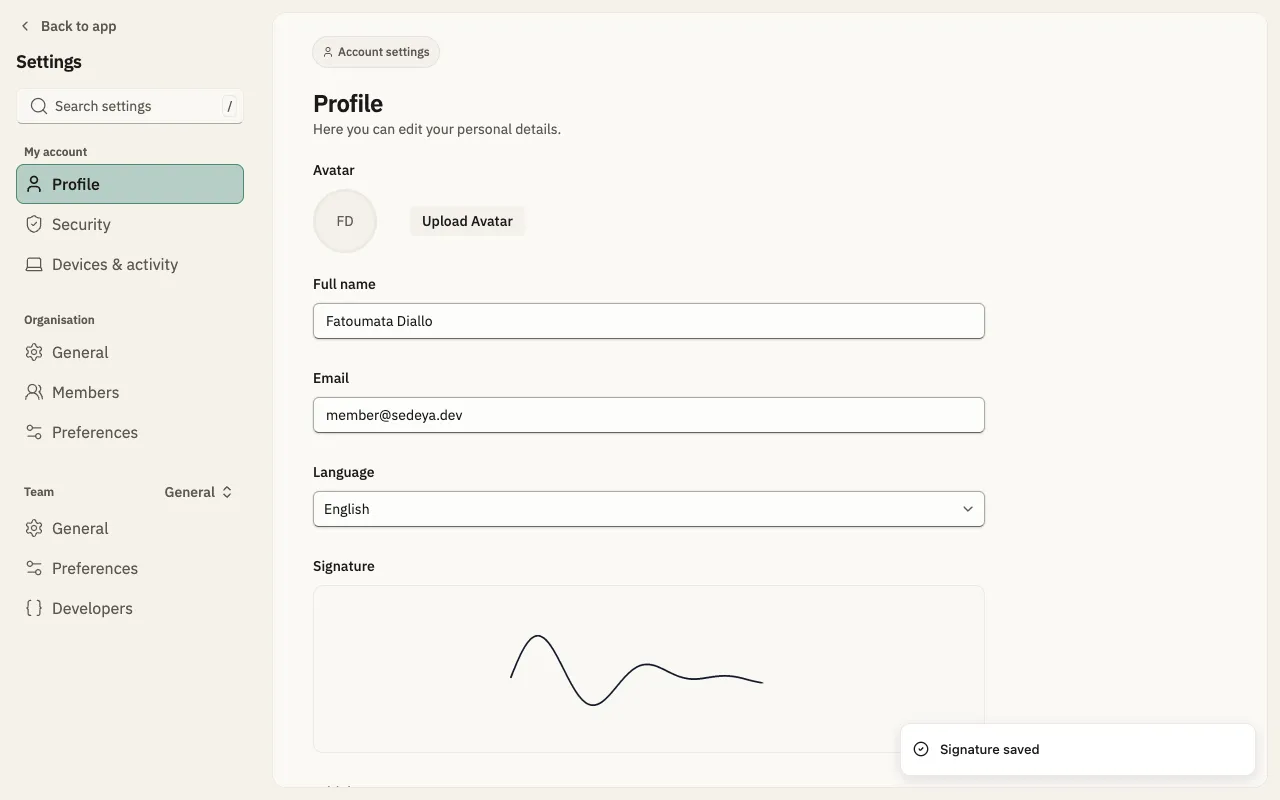
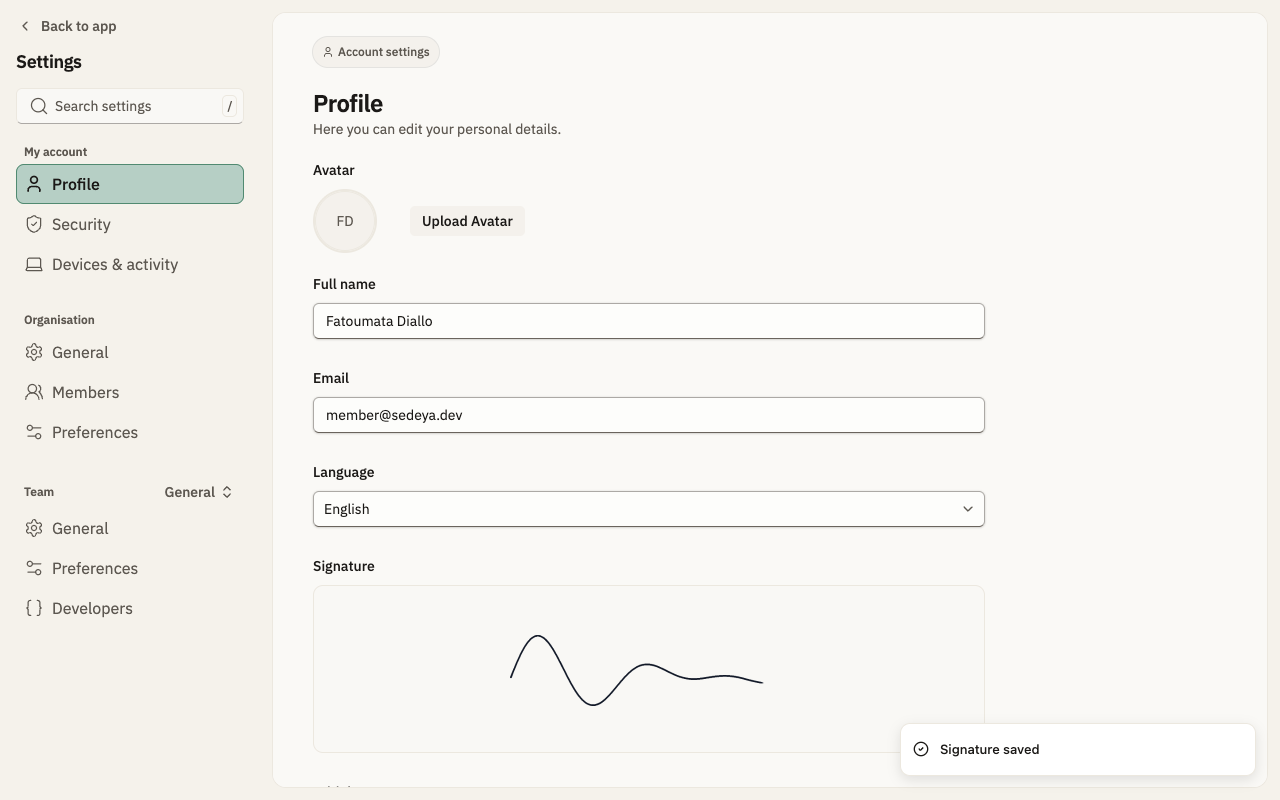
Click “Save signature”; “Signature saved” appears and the signature shows on the profile.